Newsletter
Join the Community
Subscribe to our newsletter for the latest news and updates

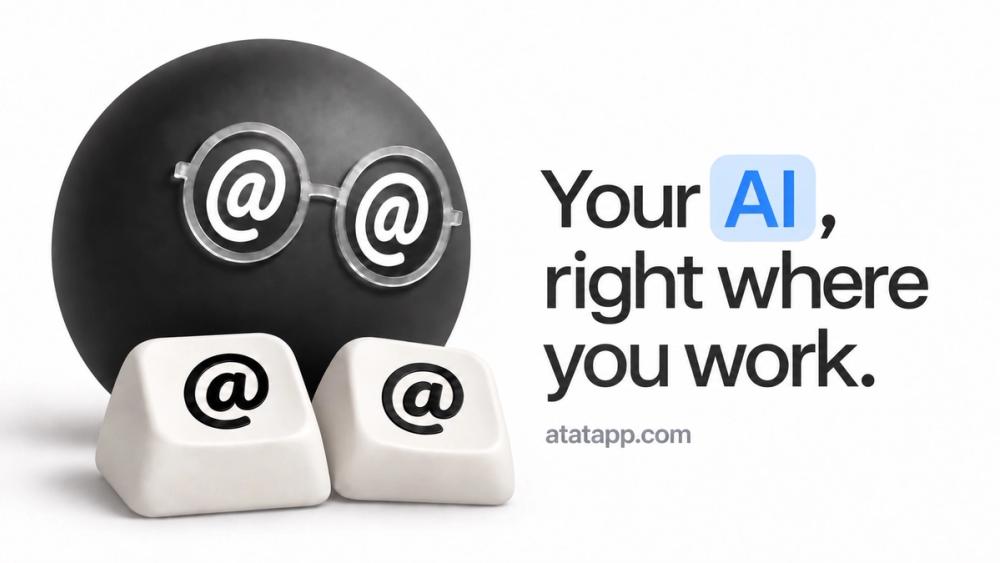
Your agent, in any app. Type @@ to ask Claude Code, Codex, or your own model in any text field, and let your agent see your Mac.
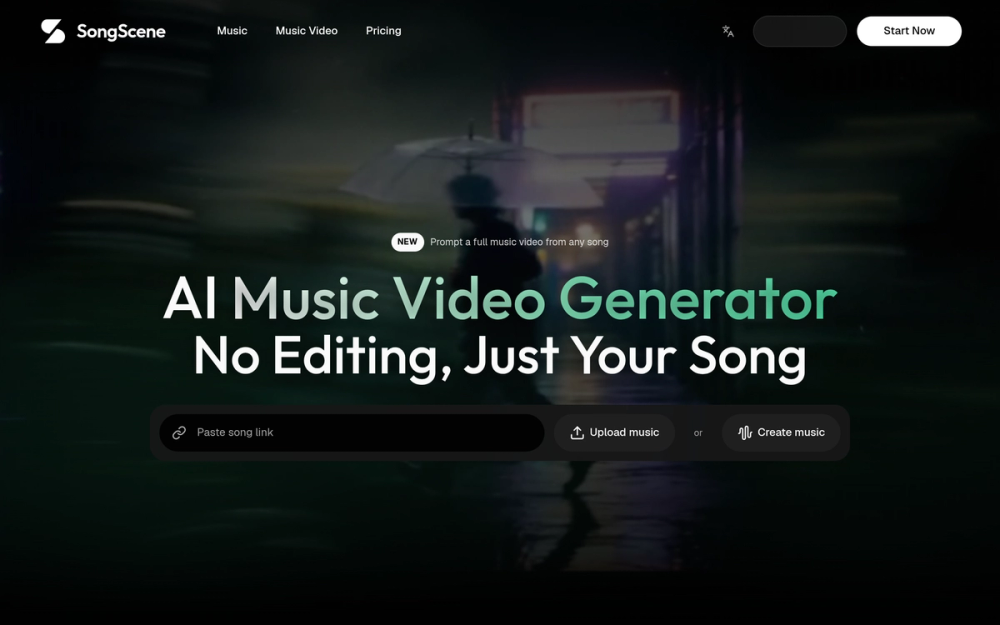
SongScene is an AI music video generator that transforms your songs into stunning videos without any editing required.
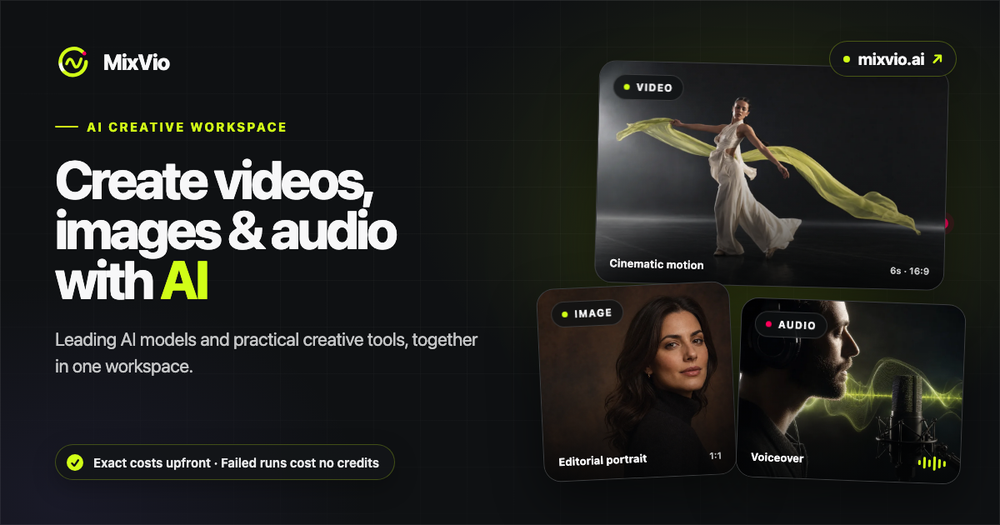
MixVio AI is a multimodal creative workspace for video, image, and audio generation. Creators can use leading AI models and practical tools in one place, see the exact credit cost before each run, and keep uploads and results private. Reserved credits are automatically released when a generation fails.
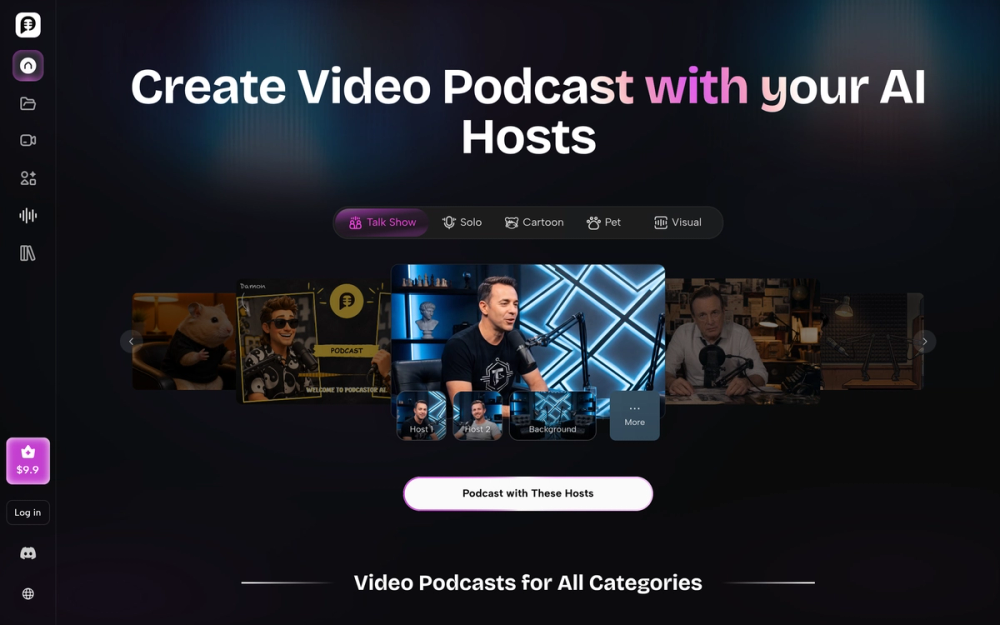
PodcastorAI is an AI video podcast studio that lets you choose or create AI hosts, add content from ideas, scripts, URLs, PDFs, documents, or existing audio, match them with natural AI voices or your cloned voice, and create polished solo or two-host audio and video podcasts without cameras or a production team. What is PodcastorAI
Your agent, in any app. Type @@ to ask Claude Code, Codex, or your own model in any text field, and let your agent see your Mac.
AtAt drives the agents you already have: Claude Code, Codex, Grok, Cursor, Pi, Hermes, OpenCode, Antigravity, any CLI on your Mac, your own OpenAI, Anthropic, OpenRouter or DeepSeek key, Ollama, or Siri AI. Switch between them from the input itself.
Bring the context you choose: a selection, a screenshot, something you copied an hour ago, the files selected in Finder. The answer streams into a preview card. Press Tab to put it back where your cursor was, or ⌘Return to continue in your terminal or agent app, already in the right folder.
Your agent can use AtAt too. Connect once, and Claude Code, Codex, or any agent with a shell can screenshot the window you are looking at, read what you copied, pick up your Finder selection, and film a demo — through the atat command and its skill. A note shows which agent used it; one switch turns it off.
TabTab writes your next words inside the field you are typing in. Press Tab to keep them.
Capture your screen with ⌘⇧3, ⌘⇧4, and an all-in-one ⌘⇧5: area, window, scrolling, and recording from one selection, then annotate, trim, and export. ⌘⇧V opens a searchable clipboard history.
Prompts never pass through AtAt servers. History stays on your Mac by default, with optional iCloud Sync you control.